Why I Stopped Trusting Search Consoles and Got a Real Backlink Monitor
The Morning My Business Almost Died
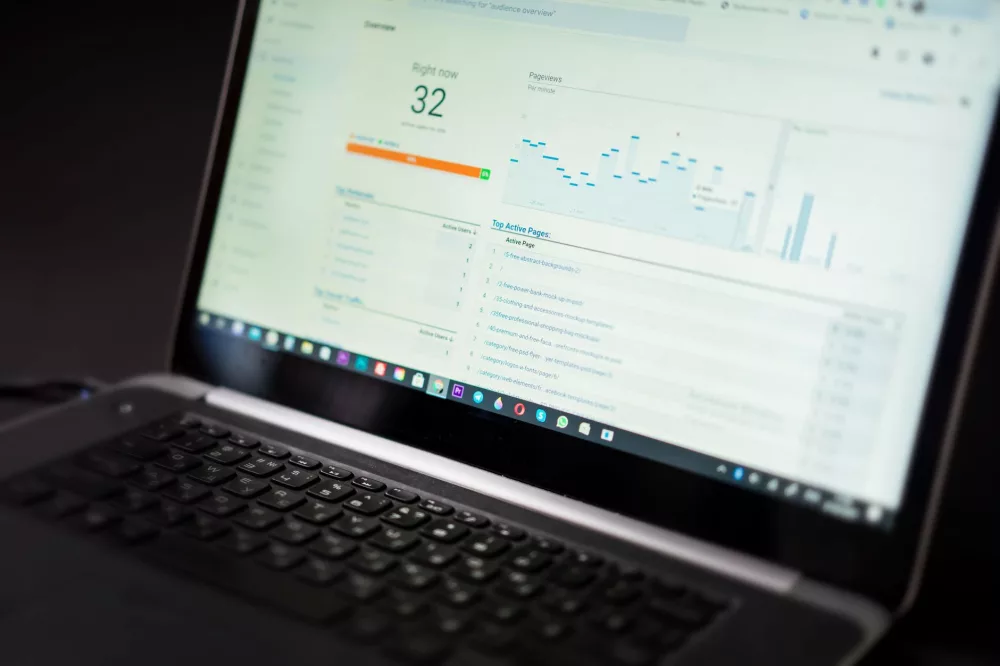
I still remember the pit in my stomach on a cold Tuesday in October. I woke up, brewed my usual dark roast, and opened my analytics dashboard. The graph looked like a sheer cliff. A sudden, terrifying drop in organic traffic overnight had wiped out months of hard-won progress. My heart hammered against my ribs.
I checked server errors. Nothing. I checked for a manual action in Google Search Console. Clean. It took me three hours of frantic digging to find the culprit. A high-authority site that had been linking to my primary money page for over a year had quietly removed the link during a site redesign. Just like that, the digital fuel powering my rankings was gone.
I lost sleep. Tons of it. That was the day I realized relying on manual audits or checking search console once a week was a recipe for disaster. I needed an automated backlink monitor that would watch my site like a hawk. Here is what I learned from that crisis, and how you can protect your hard work without losing your mind.
What Does a Backlink Monitor Actually Do?
In simple terms, a backlink monitor is an automated system that keeps an eye on the websites linking to yours. It acts as an early warning radar. It does not just count your links; it checks their health, attributes, and status around the clock.
Think of it as a security guard for your SEO. When someone links to you, you want to know immediately. More importantly, when someone removes a link, changes it to "nofollow", or when a page linking to you goes down, you need an instant alert. If you do not have this setup, you are essentially flying blind in the search engine optimization storm.
Why Manual Tracking is a Sucker's Game
Before I knew better, I tried using a Google Sheet to track my backlinks. I spent hours copying and pasting URLs, anchor texts, and target pages. I promised myself I would check them every Monday morning. Here is why that failed spectacularly:
- It is incredibly tedious. Checking fifty links manually takes forever; checking five hundred is impossible.
- Webmasters change things constantly. A site owner might update their content, change a URL structure, or accidentally break a link, and they will never tell you.
- Negative SEO is real. Sometimes competitors will blast your site with toxic, spammy links. If you do not catch them fast, your rankings can tank before you even know what hit you.
Manual tracking is a fast track to burnout. The moment your site grows past a few pages, you cannot keep up without automation.
The Features You Actually Need (and the Noise to Ignore)
When you start shopping for a backlink monitor, you will be bombarded with features. Some are incredibly useful. Others are just shiny vanity metrics designed to make the tool look more expensive than it should be.
Here is what I actually look for in a monitoring tool based on years of trial and error:
1. Real-Time Link Status Alerts
This is the absolute core. You need a tool that pings your email or Slack the second a link changes state. If a link goes from active to "lost" or "link removed", you can reach out to the site owner within hours while the edit is still fresh in their mind. Trust me, this increases your link recovery rate dramatically.
2. Anchor Text Distribution Monitoring
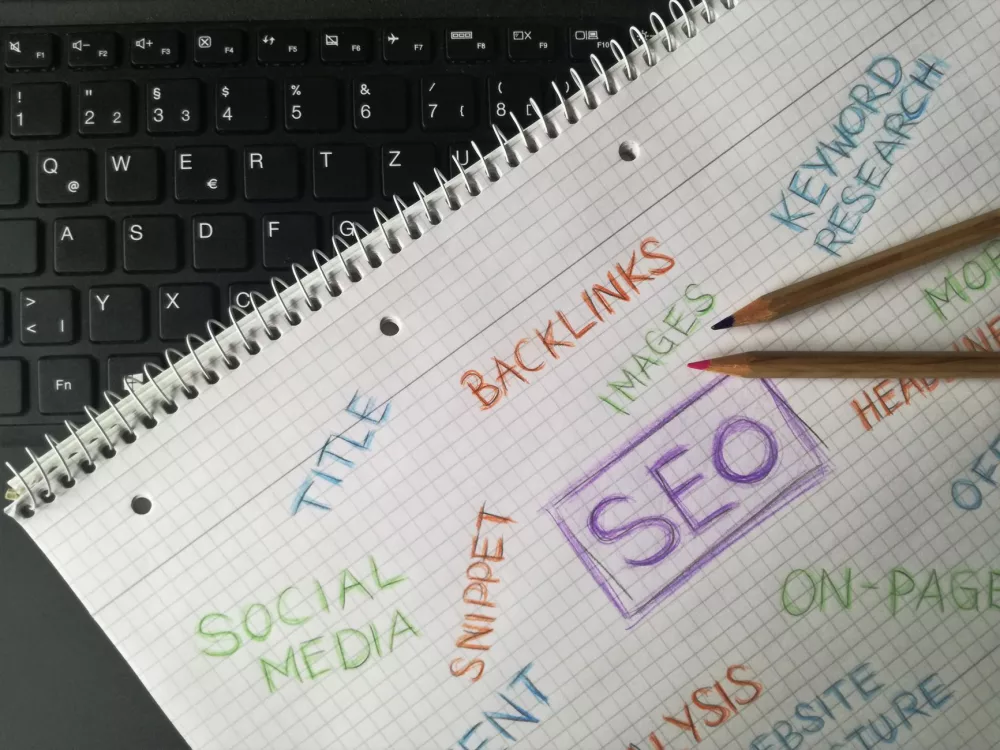
If fifty new links point to your site with the exact same commercial anchor text, Google's spam filters will start ticking. A great monitor tracks your anchor text ratio. If you see a sudden spike in unnatural keywords, you can investigate and fix it before a penalty strikes.
3. Indexation Status
A backlink on a page that Google refuses to index is worth absolutely nothing. Good monitors check whether the linking page is actually indexed. If it is not, you are wasting your time or money on that link.
How I Restored My Broken Links (My Step-by-Step Recovery Method)
When my monitor alerts me that a high-value backlink has vanished, I do not panic anymore. I follow a simple, systematic playbook that gets results. Here is exactly what I do:
- Analyze the loss: Did the page go 404, or did they just edit the post and remove my link? If it is a 404, the site might have technical issues. If they deleted only my link but kept the content, it was intentional.
- Check the Wayback Machine: I look at what the page looked like before the change to understand the context of why they removed it. Did they replace it with a competitor? Did they rewrite the entire section?
- Reach out with value, not anger: I send a polite, friendly email. I never accuse them. I usually say something like, "Hey [Name], I noticed you recently updated your awesome guide on [Topic]. I saw that the link to our resource on [My Topic] was removed during the update. Just wanted to check if that was intentional or if the new resource we updated last week might fit better for your readers!"
You would be surprised how often people apologize and put the link back. Often, it is just a mistake made by an editor or an external writer who did not know any better.
Choosing the Right Tool for Your Budget
You do not need to spend thousands of dollars to get started. If you are a small business owner, some budget-friendly tools track your main backlinks perfectly fine. If you run an agency, you will want something robust like Ahrefs, Semrush, or specialized monitors like Linkody or Monitor Backlinks. The important thing is not which tool you buy, but that you have something running in the background while you sleep.
Keep your link profile clean, watch your competitors, and do not let hard-earned authority slip away through the cracks of web updates. Protect your traffic. Get a monitor setup today.
About Kevin
Senior columnist and culture critic specializing in architectural designs, emerging high-growth systems, and contemporary philosophies.
Contact Desk
Have an editorial inquiry or custom partnership idea? Reach our team directly.